
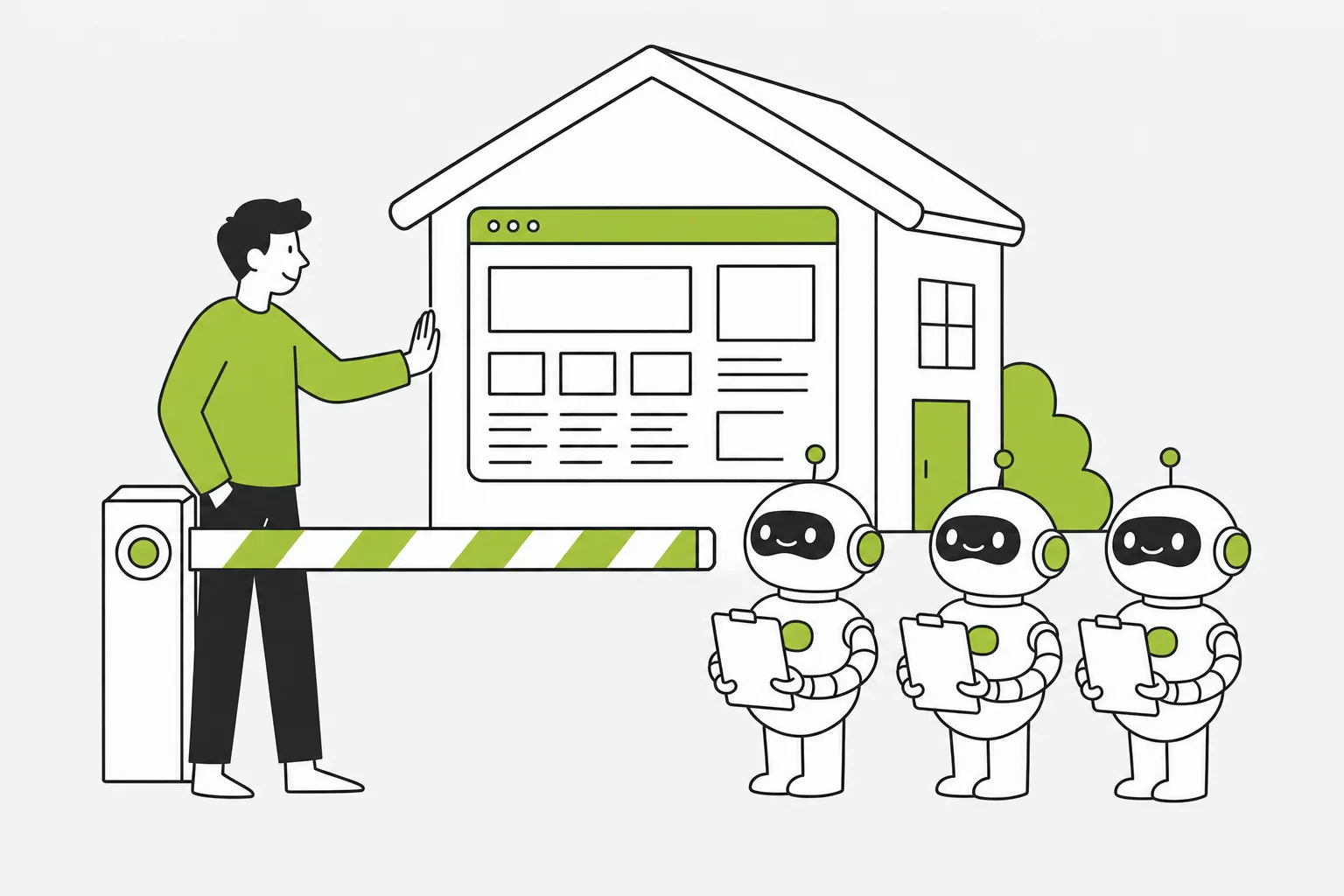
If ChatGPT, Claude or Perplexity never cite your website, check five technical blockers first: a robots.txt file that turns away their search crawlers, a firewall that blocks them, content that only appears through JavaScript, a noindex or nosnippet tag, and URLs that lead to missing pages. Each one takes a few minutes to check.
Before you get cited, you have to be read
Most conversations about AI visibility are about content. Fair enough: content is what gets cited. But an AI only cites what it was able to read, and between your page and the AI, there is a crawler.
That crawler asks your server for a URL and leaves with whatever it is given. If the door is shut, or if it gets an empty page or an error, your best page does not exist as far as it is concerned. Sorry, this is plumbing, but plumbing decides whether the rest of your work pays off.
The good news: these blockers are rarely deliberate, and they are quick to fix. Here are the five we look for first in a GEO (also called AEO) review. Learn more: our approach to AI search optimization.
Blocker 1: a robots.txt that turns away the wrong crawler
The robots.txt file tells crawlers what they may visit. The catch is that each AI company sends several crawlers, and they do different jobs.
- OpenAI describes four. OAI-SearchBot surfaces websites in ChatGPT’s search features, GPTBot collects content that may be used to train models, ChatGPT-User visits a page when a user asks for it, and OAI-AdsBot checks the landing pages of ads.[1]
- Anthropic describes three: ClaudeBot for training, Claude-SearchBot for search and Claude-User for user requests.[2]
- Perplexity describes two: PerplexityBot, which surfaces websites in its results, and Perplexity-User, which visits a page when a user asks a question.[3]
Opting out of training and opting in to search are two separate decisions. OpenAI states that its settings are independent: a site can allow OAI-SearchBot and disallow GPTBot.[1] The classic mistake is the overly broad rule, written on a cautious day, that shuts the door on everyone.
# ChatGPT search: allowed
User-agent: OAI-SearchBot
Allow: /
#
# Model training: disallowed (your call)
User-agent: GPTBot
Disallow: /
Two useful details. A site that opts out of OAI-SearchBot does not appear in ChatGPT’s search answers, although it can still show up as a plain navigational link. And after a fix, allow about 24 hours for OpenAI’s systems to adjust.[1] Perplexity gives a similar delay.[3]
Blocker 2: a firewall that shuts the door for you
Your robots.txt can be flawless and crawlers can still be refused. The culprit then sits higher up: the web application firewall, the content delivery network or a security plugin.
Since July 1, 2025, Cloudflare blocks AI crawlers by default: every new domain is asked at sign-up whether it wants to allow them. The company adds that more than one million of its customers had already turned on its one-click blocking option, available since September 2024.[4] How many of them remember ticking the box?
You cannot see this block from your own browser, because you are not a crawler. And crawlers do not work around it: Anthropic writes that its bots will not attempt to bypass CAPTCHAs, and that blocking by IP address can even stop them from reading your robots.txt.[2] Perplexity recommends that sites behind a firewall create an allow rule that combines the crawler’s name with its published IP ranges.[3]
Blocker 3: content that only exists after JavaScript runs
This is the sneakiest blocker, because everything looks fine. Your page displays perfectly in a browser, and Google reads it. But the text is not in the code your server sends: it is assembled afterwards, in the browser, by JavaScript.
Vercel and MERJ observed AI crawlers across Vercel’s network. Their finding: none of the major AI crawlers renders JavaScript, whether OpenAI’s crawlers, ClaudeBot or PerplexityBot. JavaScript files make up 11.50% of ChatGPT’s requests and 23.84% of Claude’s: they are downloaded, never executed.[5] Gemini is the exception, because it relies on Googlebot’s infrastructure.
To those crawlers, a page built entirely in the browser is a blank page. The study’s advice is simple: critical content (main text, metadata, navigation) should leave the server already written.[5] Counters, chat widgets and social feeds can stay in JavaScript. The study dates from December 2024 and crawlers evolve: run the test on your own pages instead of taking our word for it.
Blocker 4: noindex, nosnippet and other forgotten directives
For Google’s AI Overviews and AI Mode, the rule fits in one sentence: the page must be indexed and eligible to be shown in Search with a snippet. Google adds no other technical requirement.[6]
The flip side is that a restrictive directive takes you out of the game. A noindex tag left behind after a redesign, a nosnippet added by a plugin, a max-snippet set too short: these controls limit what Google can show from your page, including in its AI answers.[6]
A word about Google-Extended, which is often misunderstood. That setting limits training and grounding in some of Google’s other systems, not Search.[6] Blocking it does not remove you from AI Overviews, and allowing it does not get you in.
Blocker 5: URLs that lead nowhere
In the Vercel and MERJ data, 34.82% of ChatGPT’s requests and 34.16% of Claude’s ended on a missing page. Googlebot was at only 8.22%.[5] AI crawlers follow more outdated or incorrect URLs than Google does.
You do not control the URLs an AI makes up. You do control the ones that once existed: after a redesign or a change of structure, every old URL should redirect to the new one, and your sitemap should stay current. This is classic SEO, and it now pays off twice.
The fifteen-minute test
You do not need a paid tool for a first diagnosis. Take one of your important pages and ask it four questions.
- What does your robots.txt say? Open yoursite.ca/robots.txt and look for the crawler names listed above, and for any rule that targets all crawlers at once.
- What does a crawler receive? Ask your technical team to request the page while identifying as OAI-SearchBot, then read the response code. A refusal points to a block by crawler name. A success does not prove everything: a firewall can also filter by IP address.
- Is the text in the source code? View the page source (not the browser inspector) and search for a sentence from your content. If it is not there, AI crawlers do not see it either.
- What do your server logs say? Look for visits from these crawlers and their response codes. Their complete absence over several weeks is a signal in itself.
For Google, add the URL Inspection tool in Search Console: it shows the page as Googlebot received it.
An example: the redesign that erased everything
The company is fictional. Example Furniture, a manufacturer in Lanaudière, rebuilds its website with modern technology that is fast and pleasant to use. Three months later, sales are holding, Google still shows the site, but AI assistants no longer cite it on questions about furniture made in Quebec.
The diagnosis takes an hour. The new site assembles its product pages in the browser: the code sent by the server contains neither the descriptions nor the prices. And the new host turned on AI crawler blocking by default.
None of this had anything to do with content. The copy was good, and it already was before. Nobody could read it anymore.
The way we see it
Technical access will not get you cited on its own. A page that is open, readable and indexed still has to earn its place: a clear answer, structured data, a brand that others talk about. Learn more: How to get cited by AI: writing an answer ChatGPT can quote. But the reverse is final: a closed page will never be cited, however good it is.
That is why we start there. Before rewriting anything, we check that crawlers get in, then we measure: our protocol puts 100 queries to ChatGPT, Claude, Perplexity and Gemini, and scores where your brand stands in each answer. Learn more: our testing protocol. Fixing a blocker, then measuring again, is the most honest way to know what the fix changed.
Blocking the training use of your content remains your right, and it is a business decision we respect. Just make sure it is a decision, not an accident. Learn more: our GEO score.
Open. Readable. Indexed.
Frequently asked questions
Should you allow GPTBot in your robots.txt?
It depends on your goal. According to OpenAI’s documentation, GPTBot collects content that may be used to train its models, while ChatGPT search relies on a different crawler, OAI-SearchBot. You can disallow the first and allow the second: the two settings are independent. To appear in ChatGPT’s search answers, OAI-SearchBot is the one to let in.
Why is my website not showing up in ChatGPT?
Before reworking your copy, check access. The most common technical causes are a robots.txt that turns away OAI-SearchBot, a firewall or host that blocks AI crawlers, and content that only appears through JavaScript. If access is fine, the question becomes editorial: do your pages clearly answer the questions people ask, and do others talk about you elsewhere?
Do AI crawlers render JavaScript?
Most do not. In a study by Vercel and MERJ published in December 2024, none of the major AI crawlers observed, including those of OpenAI, Anthropic and Perplexity, executed JavaScript. Gemini is the exception, because it relies on Googlebot’s infrastructure. A page’s critical content should therefore be in the code the server sends.
Does Cloudflare block AI crawlers?
It depends on your settings. Since July 1, 2025, Cloudflare blocks AI crawlers by default and asks every new domain whether it wants to allow them. More than one million of its customers had also turned on the one-click blocking option available since September 2024. Check this setting in your dashboard; you can change it at any time.
Do you need an llms.txt file to be cited by AI?
Nothing in the documentation we reviewed requires one. For AI Overviews and AI Mode, Google states that a page must be indexed and eligible for a snippet, with no other technical requirement. An llms.txt file therefore replaces none of the checks in this article: start with robots.txt, the firewall, rendering and indexing.
—
Sources
- ↑ a b c OpenAI, “Overview of OpenAI Crawlers“, developer documentation, accessed November 19, 2026.
- ↑ a b Anthropic, “Does Anthropic crawl data from the web, and how can site owners block the crawler?“, Claude Help Center, accessed November 19, 2026.
- ↑ a b c Perplexity, “Perplexity Crawlers“, documentation, accessed November 19, 2026. Perplexity notes that Perplexity-User, triggered by a user, generally ignores robots.txt rules.
- ↑ Cloudflare, “Cloudflare Just Changed How AI Crawlers Scrape the Internet-at-Large; Permission-Based Approach Makes Way for A New Business Model“, press release, July 1, 2025.
- ↑ a b c Giacomo Zecchini, Alice Alexandra Moore, Malte Ubl and Ryan Siddle, “The rise of the AI crawler“, Vercel, December 17, 2024. Data from MERJ and Vercel, observed on Vercel’s network; it does not necessarily describe every site.
- ↑ a b c Google, “AI Features and Your Website“, Google Search Central, updated December 10, 2025.
Further reading
- AI search engine optimization
- The GEO score
- Our GEO methodology
- How to make ChatGPT recommend your business: multi-source presence
- How to get cited by AI: writing an answer ChatGPT can quote
- Structured data: examples, testing, and why it carries 20% of our GEO score